

S7‑PLCSIM V20 is the latest Siemens PLC Simulation software. It supports the debugging and validation of PLC programs without requiring actual hardware. Download S7 PLCSIM 20 free on PLCAZ.
Table of Contents
S7-PLCSIM V20 Key Features
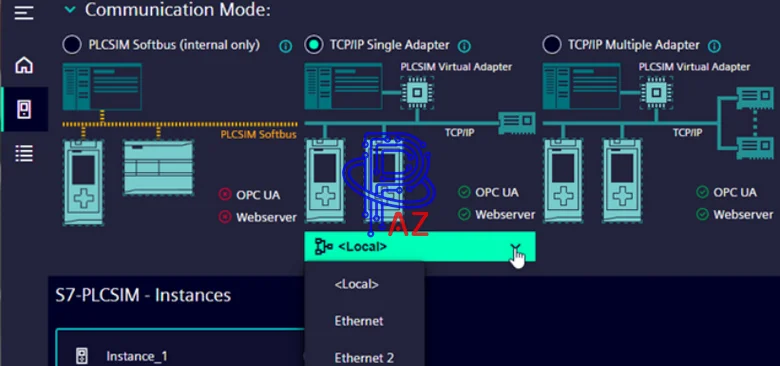
With simulated PLC instances in S7-PLCSIM V20, you can use TIA Portal STEP 7 debugging tools, including the watch table, program status, online & diagnostics functions, and other tools. S7 PLCSIM V20 also operates in conjunction with Simatic S7-PLCSIM Advanced V7. You can also download from STEP 7 to simulated PLC instances you started from the S7-PLCSIM Advanced control panel or the S7-PLCSIM Advanced API.
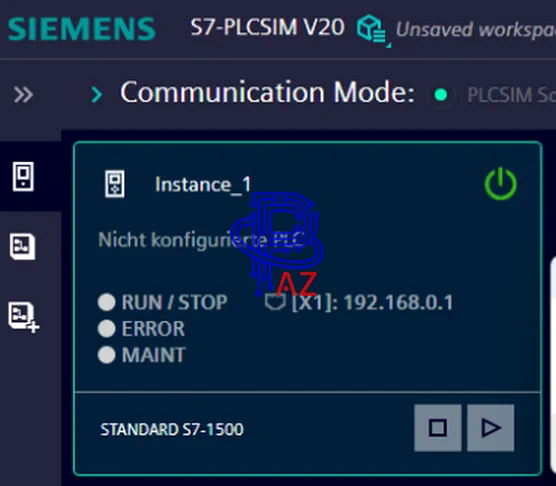
Siemens S7‑PLCSIM V20 provides the following tools for simulated PLCs:
- Support for the latest firmware of the following product families: S7-1500; S7-1200; S7-1200 G2; ET 200SP; ET 200 Pro; S7-1500R/H
- Multiple simulated PLC instances
- Simulation SIM tables are used to monitor and modify simulated PLC inputs, outputs, and data.
- Simulation of interrupts to trigger supported event OBs.
- Simulation of interrupts to trigger supported event OBs.
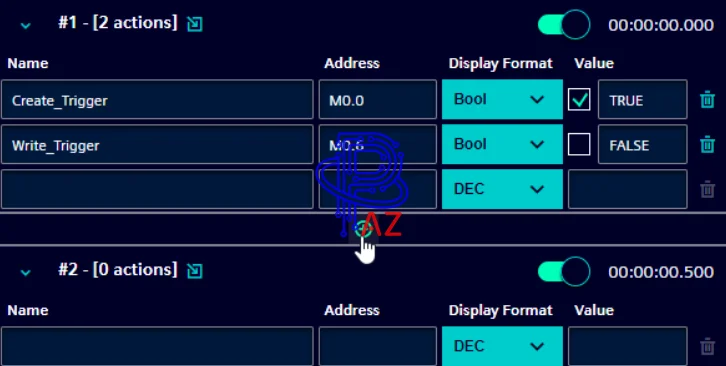
- Sequences to simulate an external process interacting with your program
- Virtual time scaling for S7-PLCSIM Advanced instances
- The ability to connect to physical communication networks for S7-PLCSIM Advanced V7 instances.
Download S7 PLCSIM V20

- Source: Siemens Automation Software
- File name: PLCAZ.COM_S7-PLCSIM_v20.ISO
- Software Type: PLC Simulation Software for Siemens S7 PLC
- File type: ISO
- File Size: 2.04 GB
- Version: v20.0.0
- New Update: S7 PLCSIM V20 Update 2
- Windows Supported: Windows 10; Windows 11
- Languages: English/ German/ French/ Italian/ Spanish/ Chinese/ Korean/ Japanese
- Link download fast speed – S7-PLCSIM V20
- The password to extract the file (If any) is “PLCAZ.COM”.
How To Install The Software
- Firstly, download the setup file at the above link
- Secondly, after downloading the file, double-click on the file to mount the file to the PC.
- Thirdly, open the folder. Then run the setup file “Start.exe” and follow the guide to install.
- Finally, open Simatic S7-PLCSIM V20 and use the software